
How to Connect Your Seekerity Find My Device
Easily add your Seekerity device to Apple Find My. Just follow the steps below to get started.
Shop all products
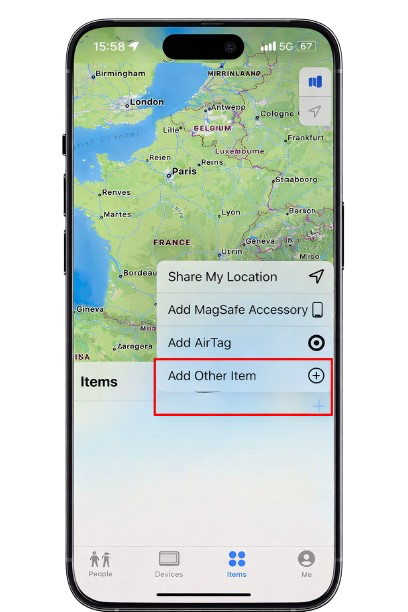
1
Go to the ‘Items’ tab
After opening the Find My App, Go to the bottom of the Find My app, tap Items to manage and add your trackable devices. Then tap Add Other Item to connect your Seekerity device.
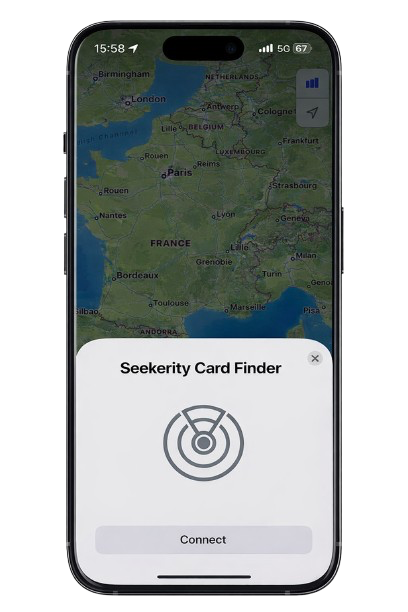
2
Add a new item
Your iPhone will now start searching for nearby compatible devices. Make sure your Seekerity Device is close to your phone and ready to pair.
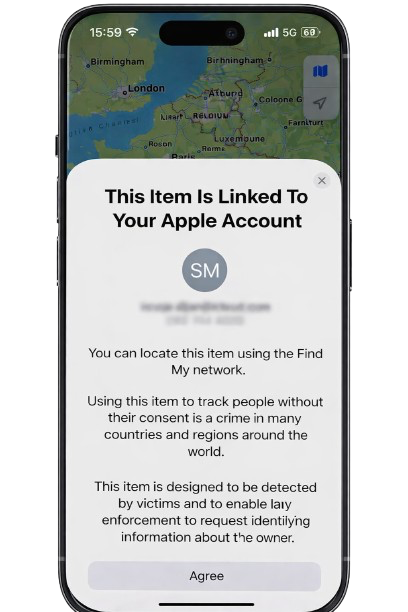
3
Select your Seekerity product
When your Seekerity Smart Card appears, tap it to begin pairing.
Follow the on-screen steps to securely link the card to your Apple account.
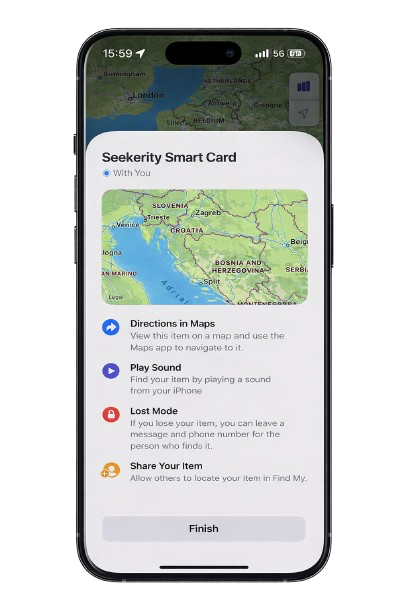
4
Connection complete
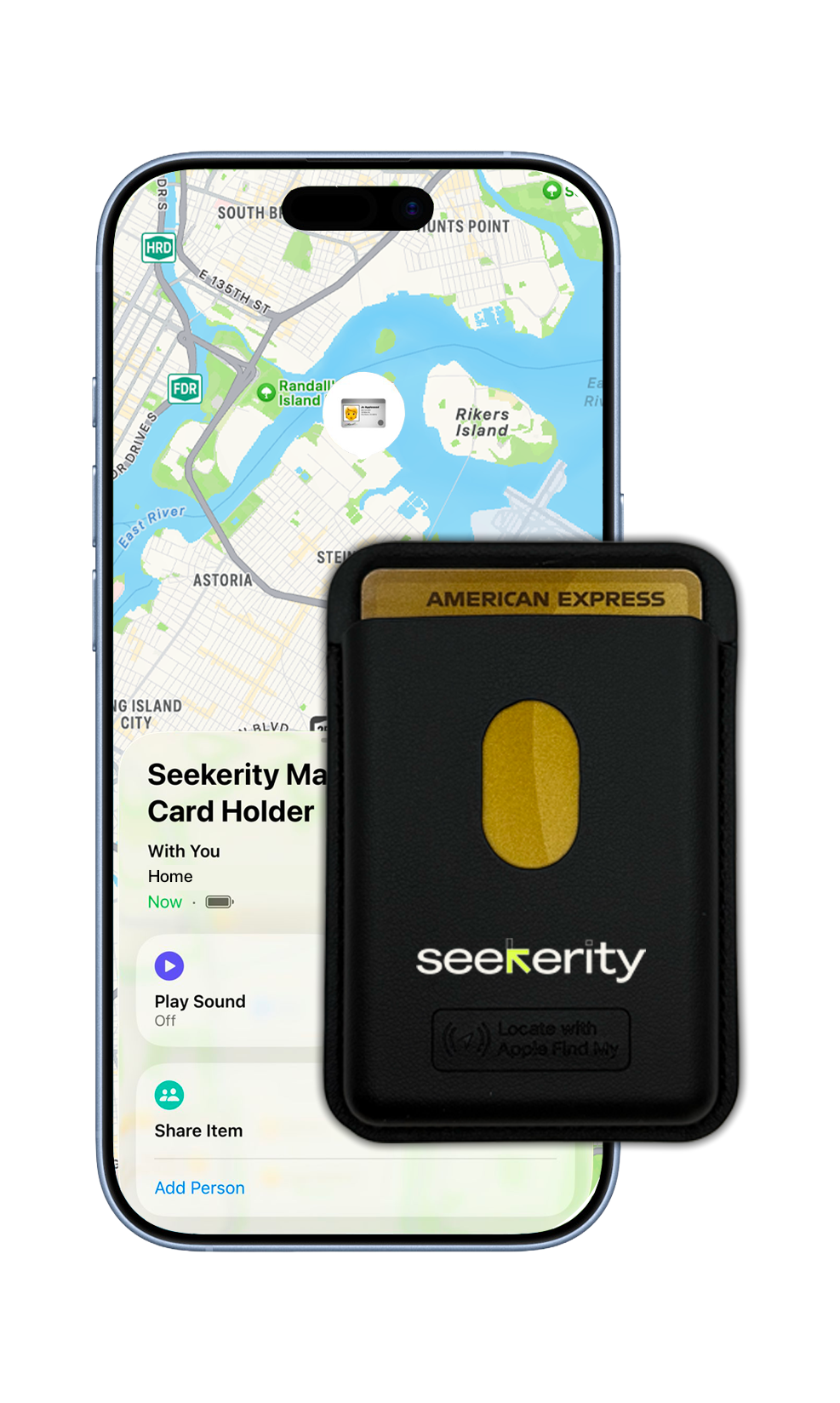
Congratulations! Your Seekerity Smart Card is now connected and ready to use.
You can now:
See its live location on the map
Play a sound to find it nearby
Enable Lost Mode if it ever goes missing
Share access with trusted contacts
Find your perfect Seekerity device
Explore our full collection of Seekerity devices and discover the perfect blend of design, durability, and everyday convenience. Find the one that elevates the way you carry and protect what matters.
Our products
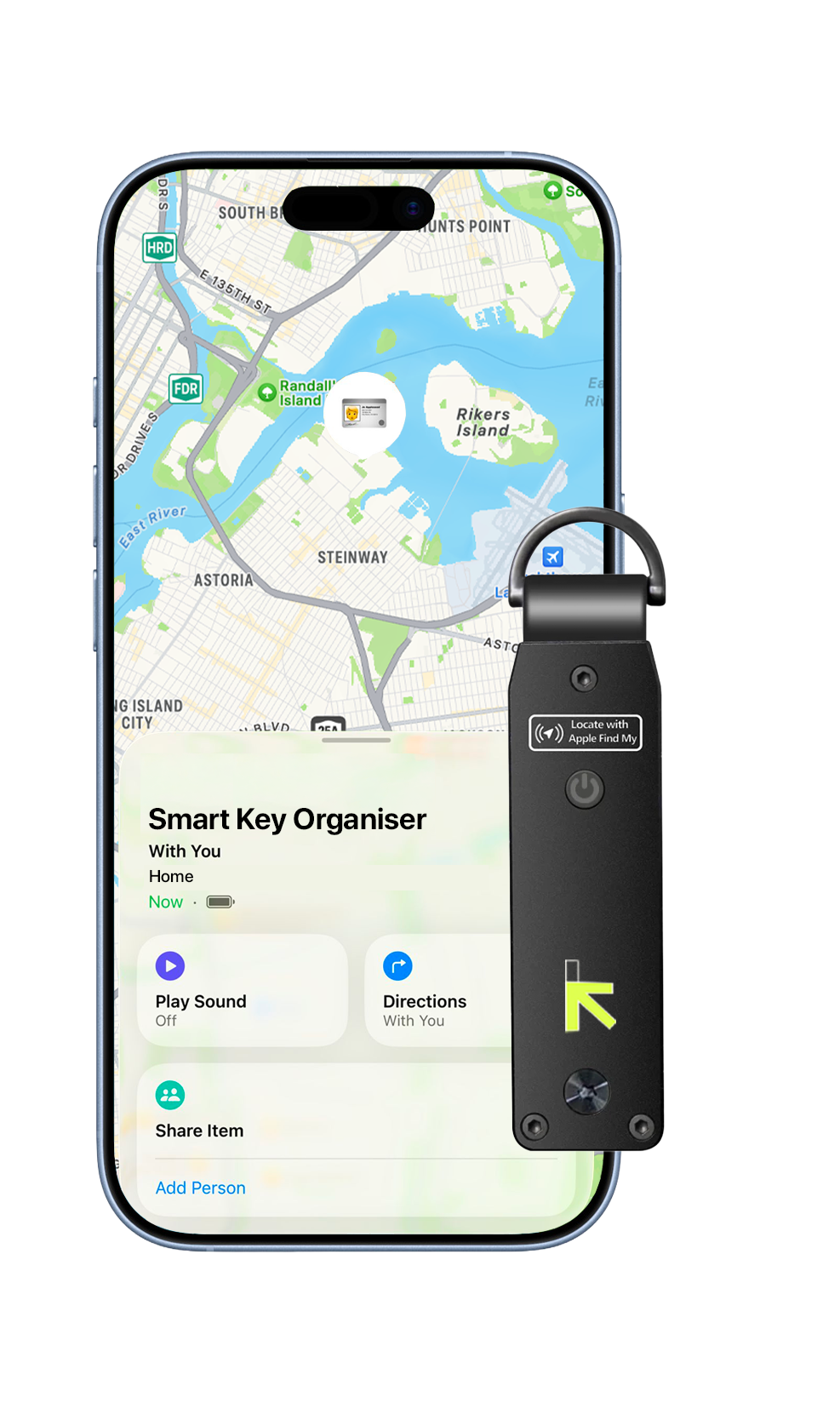
4.8
The Key Organizer
From € 54,95
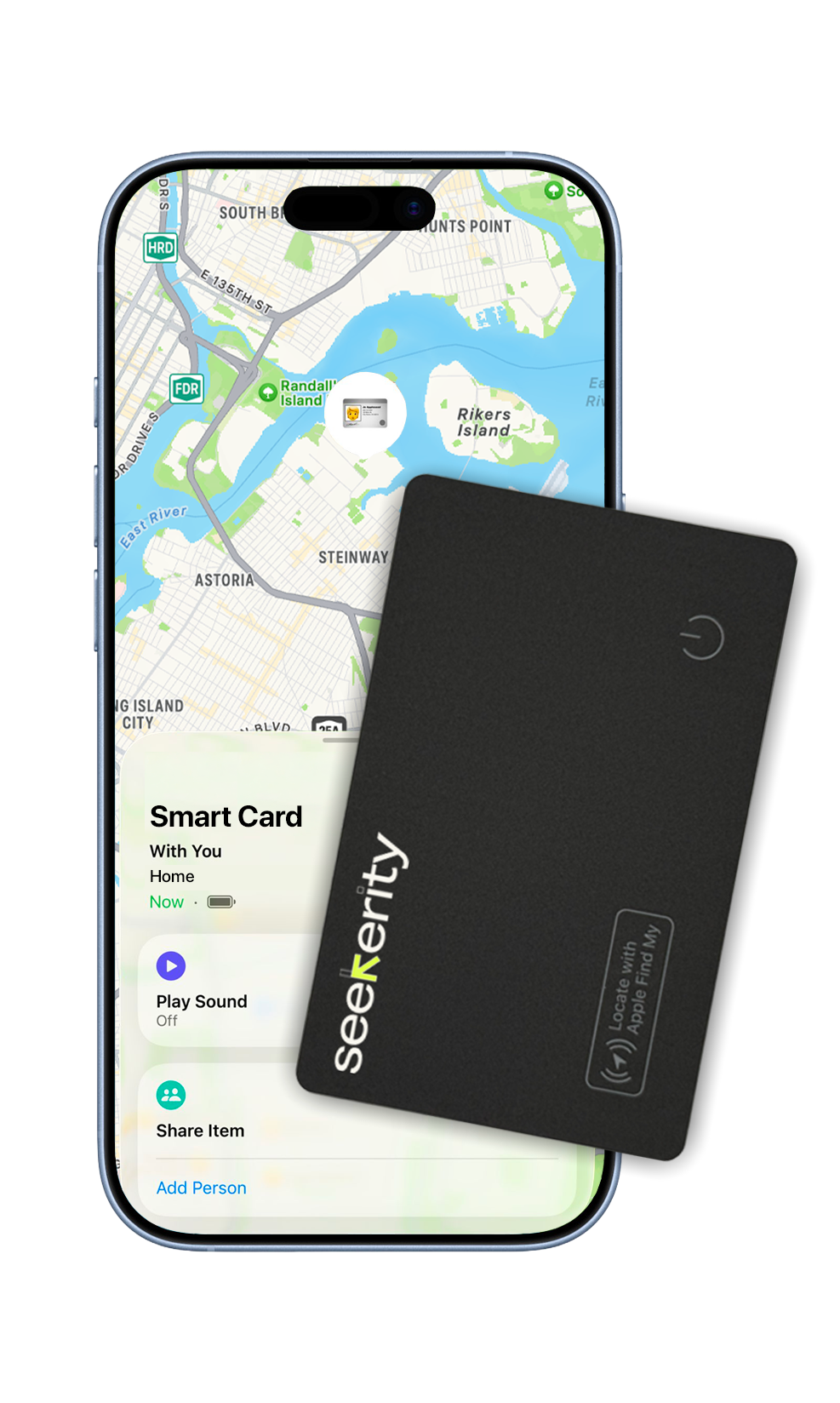
4.4
The Smart Card
From €29,95
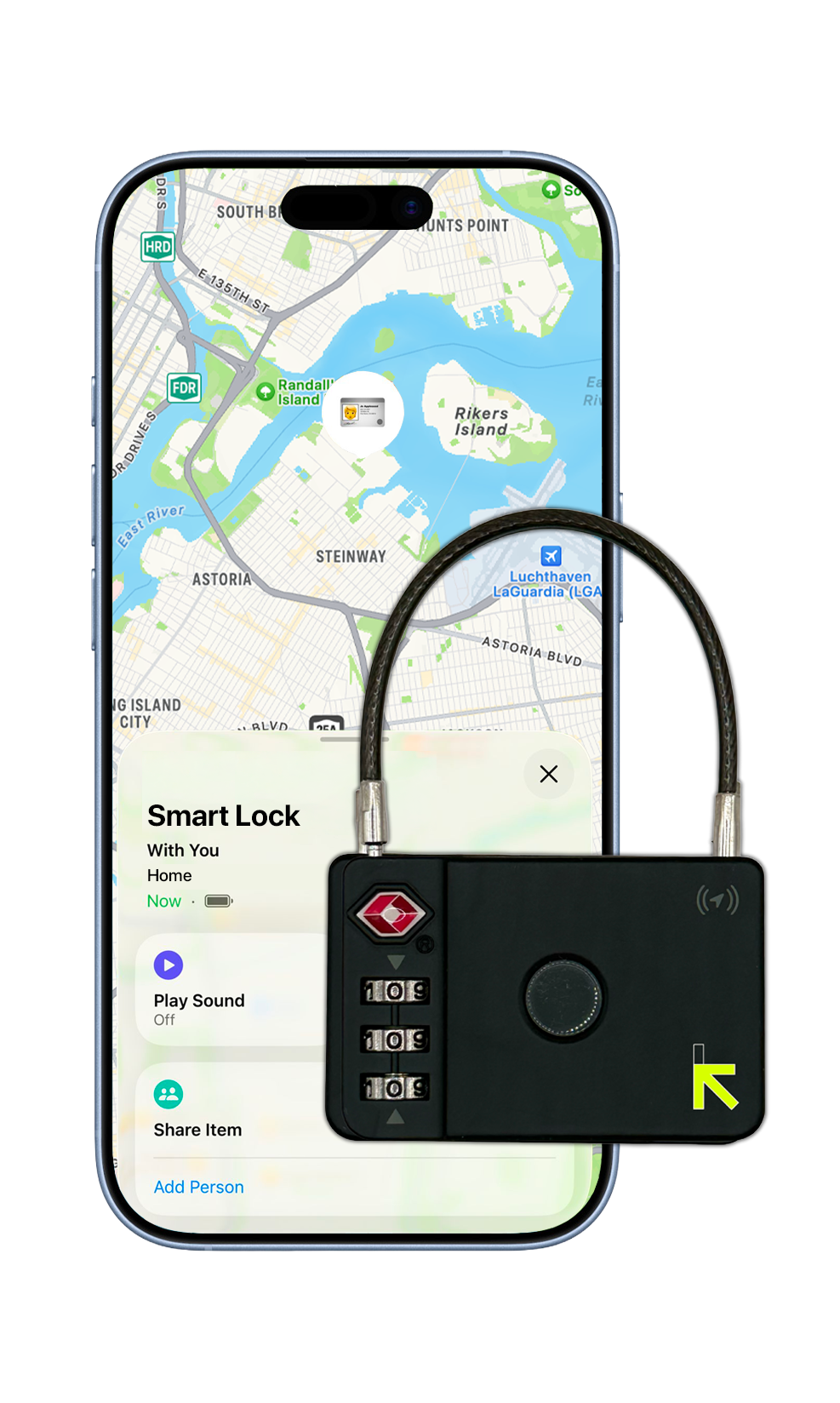
4.9
The Smart Lock
From €39,95
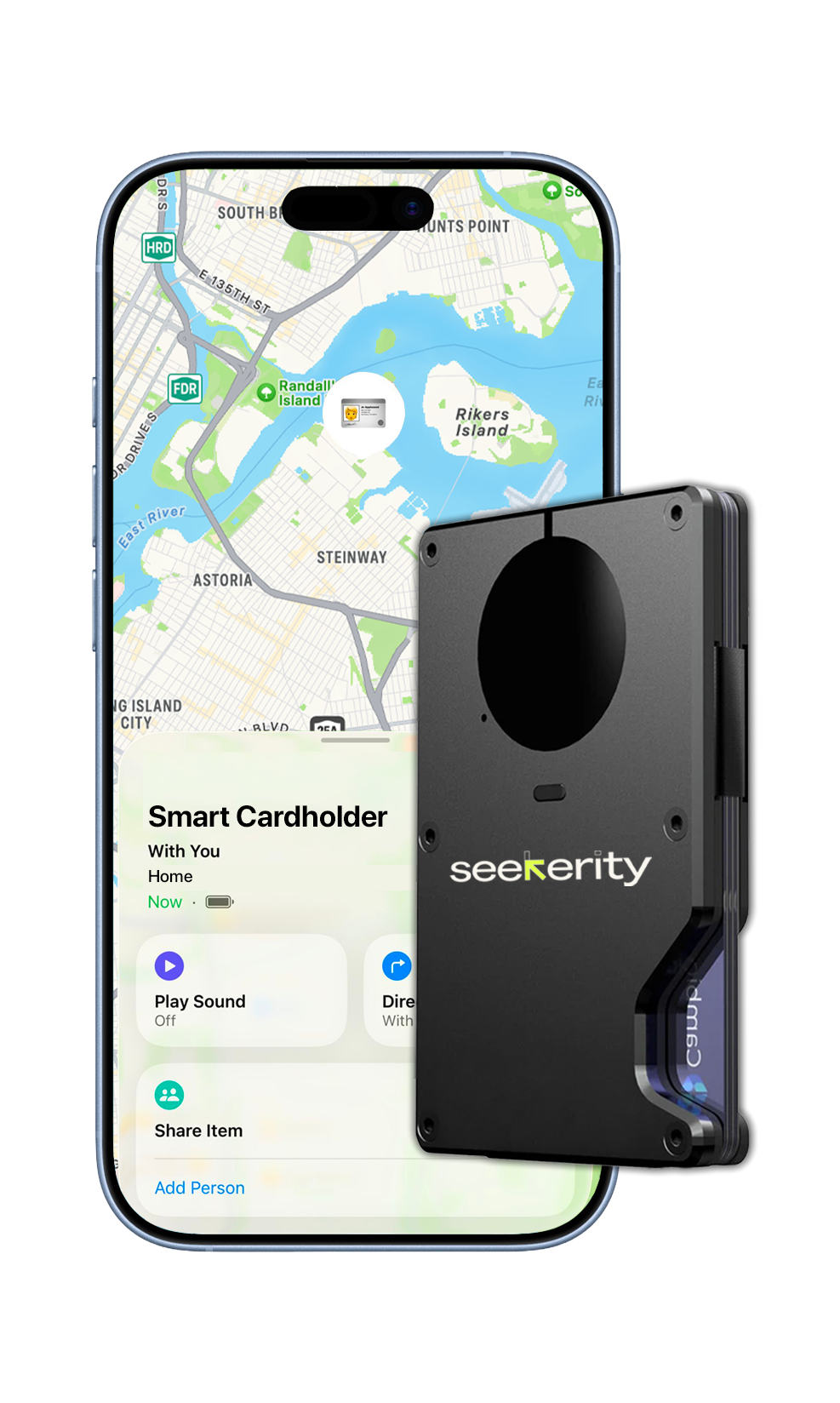
4.8
The Smart Wallet
From €49,95
4.6
The Mag-Safe Cardholder
From €39,95